Image Guides
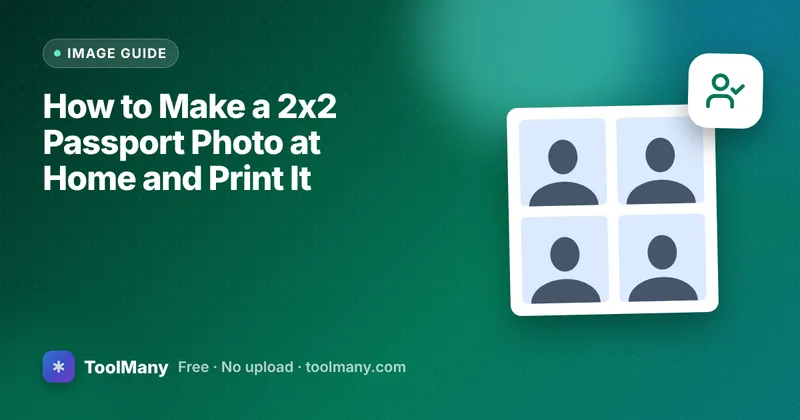
How to Make a 2x2 Passport Photo at Home and Print It
Take a passport photo with your phone, crop it to 2x2 inches or 35x45 mm, and print a 4x6 sheet at a photo shop. Includes the rules that get photos rejected.
· 5 min read
55 guides · page 3 of 5 (showing 25–36)
Page 3 of 5 of ToolMany's how-to guides, showing articles 25 to 36 of 55: step-by-step help with PDFs, images, invoices, resumes and everyday file jobs.
Image Guides
Take a passport photo with your phone, crop it to 2x2 inches or 35x45 mm, and print a 4x6 sheet at a photo shop. Includes the rules that get photos rejected.
· 5 min read
Tips & Comparisons
Create a QR code that connects phones to your Wi-Fi without typing the password: what to enter, which security type to pick, how to print it, and safety.
· 5 min read
PDF Guides
Free ways to add real AES password encryption to a PDF, in your browser or with Word, LibreOffice, Preview or qpdf, plus how to share the password safely.
· 5 min read
Tips & Comparisons
Why printed passport photos, forms and labels come out the wrong size, how to turn off fit-to-page scaling, and how to quickly check the result with a ruler.
· 5 min read
PDF Guides
PDF too large to upload? Learn how to reduce PDF file size: what really makes PDFs big and the fixes that work, from rescanning at 200 DPI to splitting it.
· 5 min read
Image Guides
Photos can carry GPS location, device and time details in hidden EXIF data. How to check for it, remove it before sharing, and stop your phone from adding it.
· 5 min read
Image Guides
Need a photo at exactly 600 × 600 or 1200 × 630 pixels? Learn how to crop to the right shape first, then resize, so nothing looks stretched or squashed.
· 4 min read
PDF Guides
Fix sideways or upside-down PDF pages so they open correctly for everyone. Why rotating in a viewer is not enough, and how to rotate only some of the pages.
· 4 min read
Tips & Comparisons
Turn phone photos of paper documents into one clean, readable PDF you can email or upload. Covers lighting, cropping, file size and getting page order right.
· 5 min read
Tips & Comparisons
Practical steps for sending ID scans, statements and contracts: share only what is needed, password-protect PDFs, send the password separately, tidy up after.
· 5 min read
PDF Guides
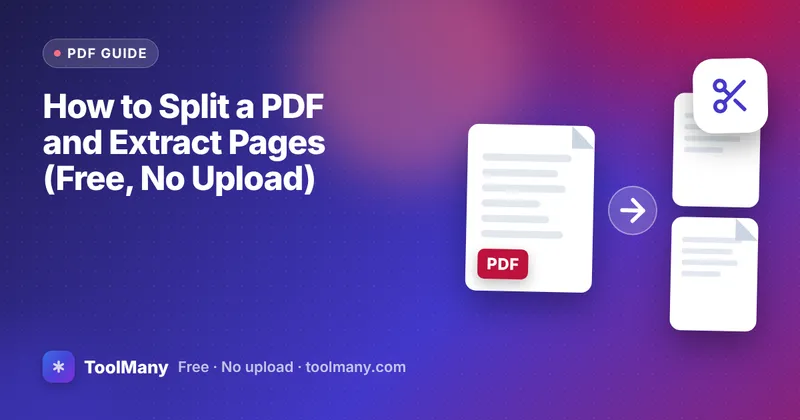
Split a PDF and extract specific pages or page ranges into a new file. Covers range syntax, deleting pages, custom page order and the common mistakes to avoid.
· 5 min read
PDF Guides
A simple routine for photographing paper receipts, keeping them readable, combining them into one PDF in order, and keeping the file small enough to upload.
· 5 min read